
How to Design a Multi-Agent Workflow Diagram
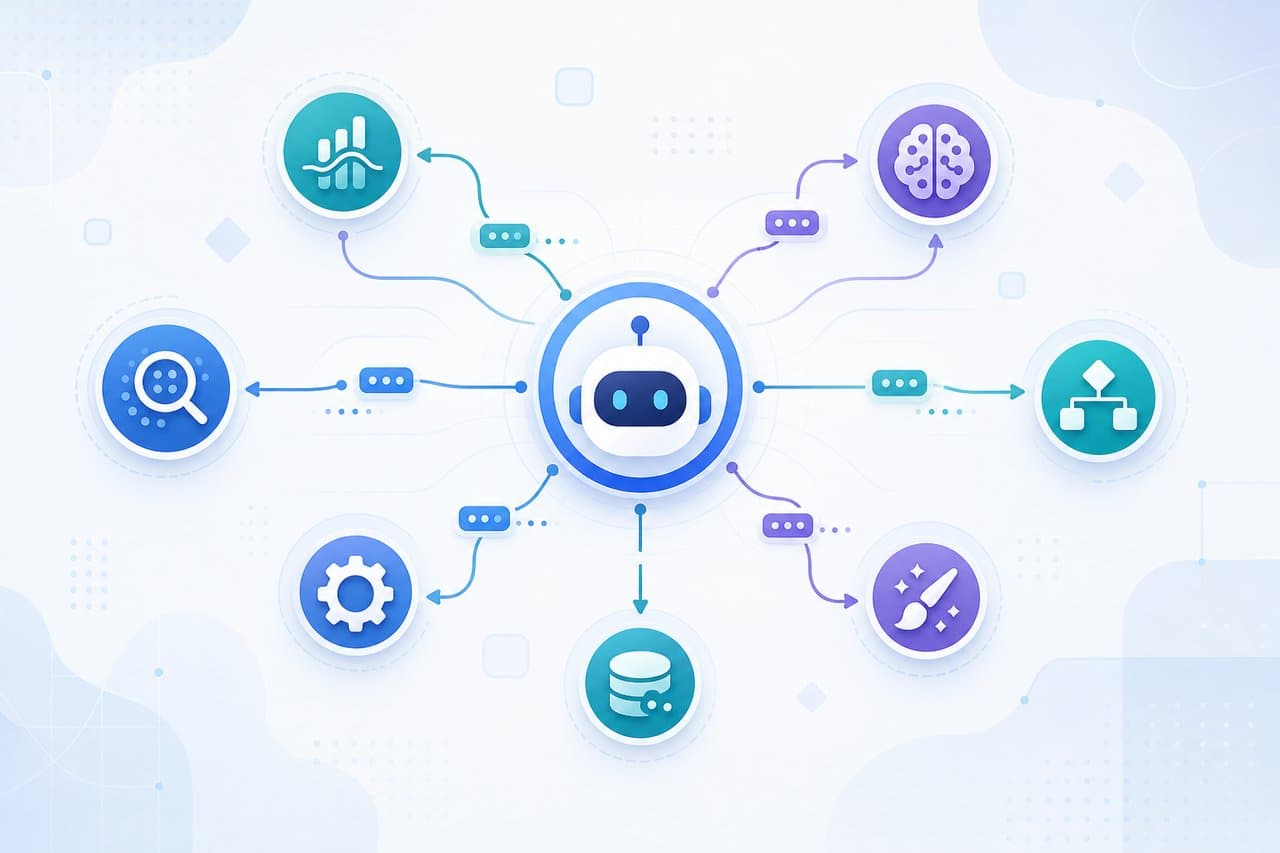
"I want my AI agents to work together — but where do I even start?" If that question has left you frozen, you are not alone. Instead of handing one model the entire job, teams are now combining several agents with different roles. This "multi-agent" approach has become a practical, everyday option for automating real work.
But there is a trap. The more agents you add, the more tangled it gets: who does what, when, and in what order. Try to hold all of that in your head, and something will eventually break. The most expensive mistake is discovering an infinite loop or a missing stop condition only after you hit run.
That is exactly where a flow diagram earns its keep. This guide walks you through the basics of multi-agent collaboration, the four common coordination patterns, a 5-step design method, and a real customer-support automation example — each shown as an actual diagram. By the end, you will be able to turn your own workflow into an agent diagram without second-guessing yourself.
What you will learn
- What a multi-agent system is, and how it differs from a single agent
- Four reasons to design agent collaboration as a diagram first
- The sequential, parallel, orchestrator, and hierarchical patterns
- A 5-step design method with a real support-automation flow
What Is a Multi-Agent System? How It Differs from a Single Agent
A multi-agent system is a setup where several AI agents, each with a specific role, coordinate to accomplish one shared goal by dividing the work between them.
Think of it as teamwork. Instead of cramming everything into a single agent, you split the job — a researcher, a writer, a reviewer — and let each one focus on what it does best. Handing tasks to the right specialist is faster and more accurate than carrying everything alone. A multi-agent system simply re-creates that feeling in the world of AI.
Take the task of producing a research report. Here is a minimal setup where an orchestrator acts as the lead and delegates to three specialist agents:
Single or multi: which should you choose?
So should you always go multi-agent? Not at all. For a simple one-off task, a single agent is plenty. Multi-agent shines when the work has many steps, splits across specialties, or can be sped up by running things in parallel. Here is how the two compare:
| Aspect | Single agent | Multi-agent |
|---|---|---|
| Best for | Simple, self-contained tasks | Multi-step, specialized tasks |
| Accuracy | General but shallow | Optimized per role, higher accuracy |
| Speed | Sequential, slower | Parallelizable, faster |
| Operations | Simple to manage | Needs orchestration and monitoring |

Minami
Process improvement lead
I see... but doesn't that mean I should just go multi-agent from the start, to be safe?

Spark
DrillSpark consultant
Great question — and actually it's the opposite! Splitting when you don't need to just piles on coordination overhead. If a single agent can finish the job, use one. Get that line right first, and you're already in good shape.
Why Design the Flow as a Diagram First: Four Reasons
"Let's just run it and fix whatever breaks." The instinct is understandable. But do that with multiple agents and you may end up paying a steep tuition. Agents call each other in circles, the API bill quietly climbs, and you lose half a day tracking down the cause. It is a common story.
That is why the standard move is to design the flow as a diagram before you write a single prompt or line of code. Putting it on paper buys you four things:
- Clear ownership — you can see at a glance which agent handles what, and where it hands off to the next
- Catch loops before they bite — infinite call-backs between agents and missing stop conditions show up the moment you draw them
- Spot parallelism — once concurrent steps are visible on the diagram, you can see where to cut processing time
- Easier alignment — even non-engineers can debate what to automate and what to keep human, right on the diagram
Spark
DrillSpark consultant
Code only tells you whether something runs correctly. A flow diagram shows you, up front, whether the design itself has a gap. That's why I always start by drawing.
Four Common Multi-Agent Coordination Patterns
There are four patterns you will see again and again in how agents coordinate. In real projects, you almost always combine them rather than picking just one.
Pattern 1: Sequential pipeline
Each agent's output becomes the next agent's input, passing work down the line like a bucket brigade. It suits jobs with a clear, fixed order of steps — extract, then transform, then validate.
Pattern 2: Parallel fan-out
Split one task into parts, let several agents work on them at the same time, then merge the results. It is effective when you want to clear independent work in one go — like researching multiple unrelated sources at once.
Pattern 3: Orchestrator-worker
A lead agent judges the type of task and dynamically routes it to the right specialist. This fits work where inquiries vary widely and the processing should change based on the input.
Pattern 4: Hierarchical (manager-worker)
A manager agent sits above team leads, who sit above worker agents — a multi-layer, org-chart structure. It is used for large, complex projects where you want to move forward while keeping responsibilities clearly separated.
Minami
Process improvement lead
Four patterns is a lot — I get stuck figuring out which one fits my work. Is there a trick to choosing?
Spark
DrillSpark consultant
Just remember one line: fixed order means sequential, lots of independent work means parallel, and processing that changes with the input means orchestrator. Hierarchical can wait until you scale up. To start, sequential or parallel is plenty.
5 Steps to Design a Multi-Agent Collaboration Flow
When you actually design the diagram, don't start by lining up agents. Start by breaking down the goal and the roles. Work through these five steps:
Step 1: Define the goal and completion condition
Decide up front what "done" looks like. A vague completion condition is exactly what makes agents keep processing forever. Make the condition for reaching a terminator (the rounded shape) crystal clear.
Step 2: Decompose into roles (agents)
Work backward from the goal to list the specialist roles you need. Keep it to one responsibility per agent — research, execute, validate — and you get a setup that is easy to swap pieces in and out of later.
Step 3: Choose a coordination pattern
Pick the pattern from the previous section that fits the work. Fixed order means sequential, lots of independent work means parallel, and processing that changes with the input means orchestrator.
Step 4: Draw branches, handoffs, and human checkpoints
Use decisions (diamonds) for branches and arrows for handoffs between agents. In particular, always include a branch that escalates to a human, like "Is the automated answer good enough?" A diagram that forgets this point will cause an incident the moment it goes live.
Minami
Process improvement lead
I want AI to handle everything, so I'd love to keep humans out of it as much as possible... is that a bad idea?
Spark
DrillSpark consultant
I get the urge! But a single "escalate to a human when unsure" branch dramatically cuts down on catastrophic mistakes. Not fully automated — 90% automated plus a 10% safety net. That's the design that survives in the real world.
Step 5: Inspect loops and stop conditions
Check that there are no infinite loops where agents call each other, and that every path eventually leads to a terminator. Capping the number of retries is the safe move.
Example: A Multi-Agent Flow for Customer-Support Automation
Let's pull everything together into a single diagram. The subject is one that keeps many companies up at night: automating inquiry handling.
Here is how it flows. First, a classifier agent judges the content and routes it to the right specialist by type (orchestrator style). Finally, it decides whether the automated answer is good enough — and if it isn't confident, it escalates to a human.
Put it on a diagram like this and the design decisions become something everyone can share — "billing inquiries go through account lookup before we answer," "any answer we're unsure of always goes to a human." Incident response and help-desk automation can be designed the same way.
Three Common Multi-Agent Design Mistakes
Knowing the failures in advance keeps you from falling into the same holes. These are the three that trip up most people. Get ahead of them now.
Mistake 1: Splitting agents too finely
Slice roles too thin and information drops out at every handoff, which actually lowers accuracy. The rule of thumb: start with a small number of roles and split further only when you need to.
Mistake 2: No stop condition or cap
Without a stop condition or a retry cap, agents toss work back and forth and cost and time balloon without limit. Always draw the terminators and the retry limits while you're still at the diagram stage.
Mistake 3: Not designing the human checkpoint
Insist on full automation and you'll handle the hard-to-judge cases wrong. The safe move is to build in an "escalate to a human when confidence is low" branch from the very start.
Spark
DrillSpark consultant
All three of these are free to prevent — as long as you're still at the drawing stage. Notice them after you hit run, and the cost and time multiply. Drawing it first is the best insurance there is.
Design Your Multi-Agent Flow in DrillSpark
By now you've got the thinking down — but maybe you're also feeling, "Sure, I understand it... actually drawing the diagram just sounds like a chore." That instinct is correct. Agent topologies get redrawn over and over. If you're stuck lining up shapes one by one and tidying arrows, the design itself grinds to a halt.
DrillSpark removes that whole step. Just describe the collaboration you want in plain language. The AI drafts a flowchart in about 30 seconds, and you edit it from there. Because you can refine it through conversation, a tweak like "add a human check after classification" takes a moment.
You can also turn the generated diagram into layers (drill-down), moving between the big picture and each agent's internal steps as you sharpen the design. AI generation is free to try with no credit card required, so pick one workflow you want to automate and turn it into a multi-agent flow diagram.
Minami
Process improvement lead
If a draft appears just from talking to it, even I — the one who kept stalling — could actually get started!
Spark
DrillSpark consultant
Exactly. Getting a draft out first is the right call. Making it tidy comes after. Take a breath and just get that first one out.
Summary: Run the Whole Thing as a Simple Pattern First
Key takeaways
- A multi-agent system links specialized AI agents to reach one goal together
- Before writing prompts, design ownership, loops, and parallel steps as a flow diagram
- Combine the four patterns: sequential, parallel, orchestrator, and hierarchical
- Always draw the stop condition and the human-escalation branch on the diagram
You don't have to aim for a complex hierarchy from the start. Run the whole thing once as a simple pattern, like a sequential pipeline — it looks like a detour, but it's the shortest path. Rather than a perfect structure, draw it, run it, fix it. The people who cycle through that fastest are the ones who reach the goal first.
That said, freezing in front of a blank page is normal too. That's exactly when DrillSpark earns its place. Describe the workflow you want to automate in plain language, and the AI drafts a flowchart in about 30 seconds. You can add branches and human checkpoints through conversation. It's free to start with no credit card required, so take one everyday task and turn it into an agent collaboration flow diagram.
Spark
DrillSpark consultant
When in doubt, just draw one. Whenever you're ready to give it a try, I'm cheering you on.
Related Templates
Visualize incident management from detection, impact analysis, initial response, recovery, root cause analysis to prevention. ITIL-compliant workflows with AI.
Visualize CI/CD pipeline from code commit, build, test, staging to production deployment. Continuous delivery and DevOps workflow templates with AI.
Visualize helpdesk workflow from user request, categorization, first-line support, escalation to resolution. IT service desk operations with AI.